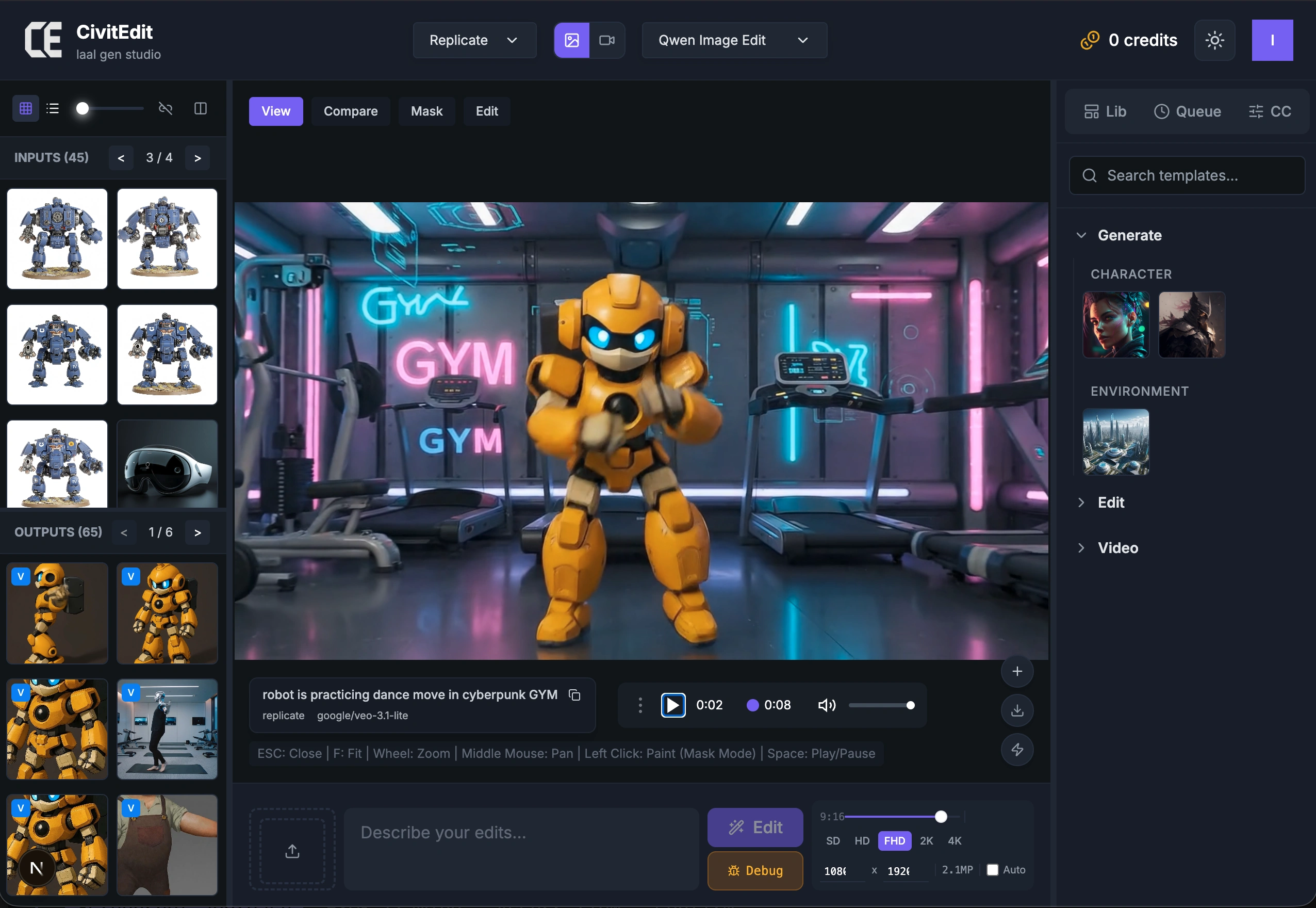
Features
What CiviEdit Actually Does
No marketing fluff. Here's every feature, with real screenshots.
Text-to-Image & Image-to-Image Generation
Type a prompt, pick a model, set resolution. Generate across Flux, Qwen, GPT Image, Seedream, and more — all from the same interface.
- Multi-model support
- Resolution control
- Prompt templates
- Batch generation
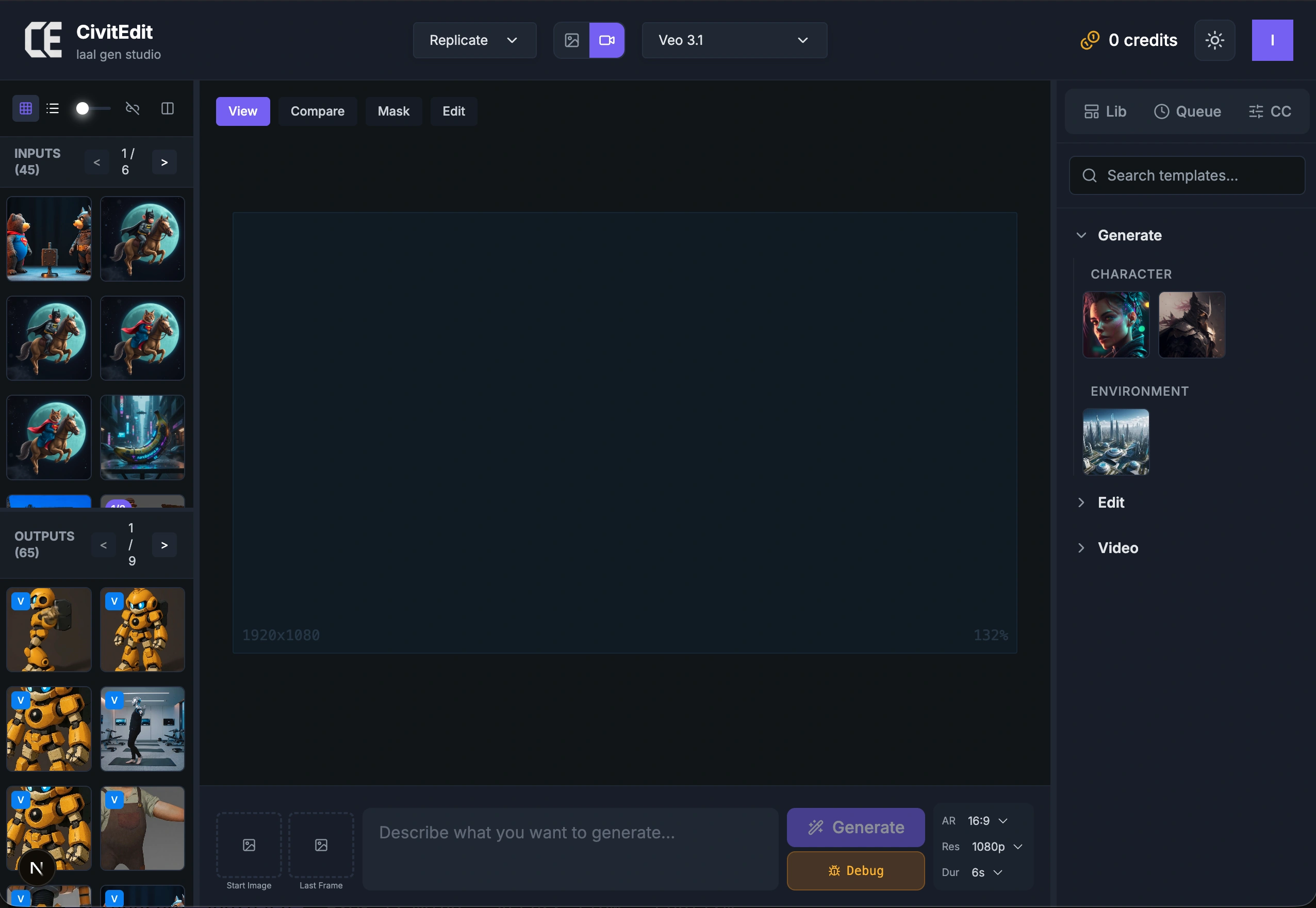
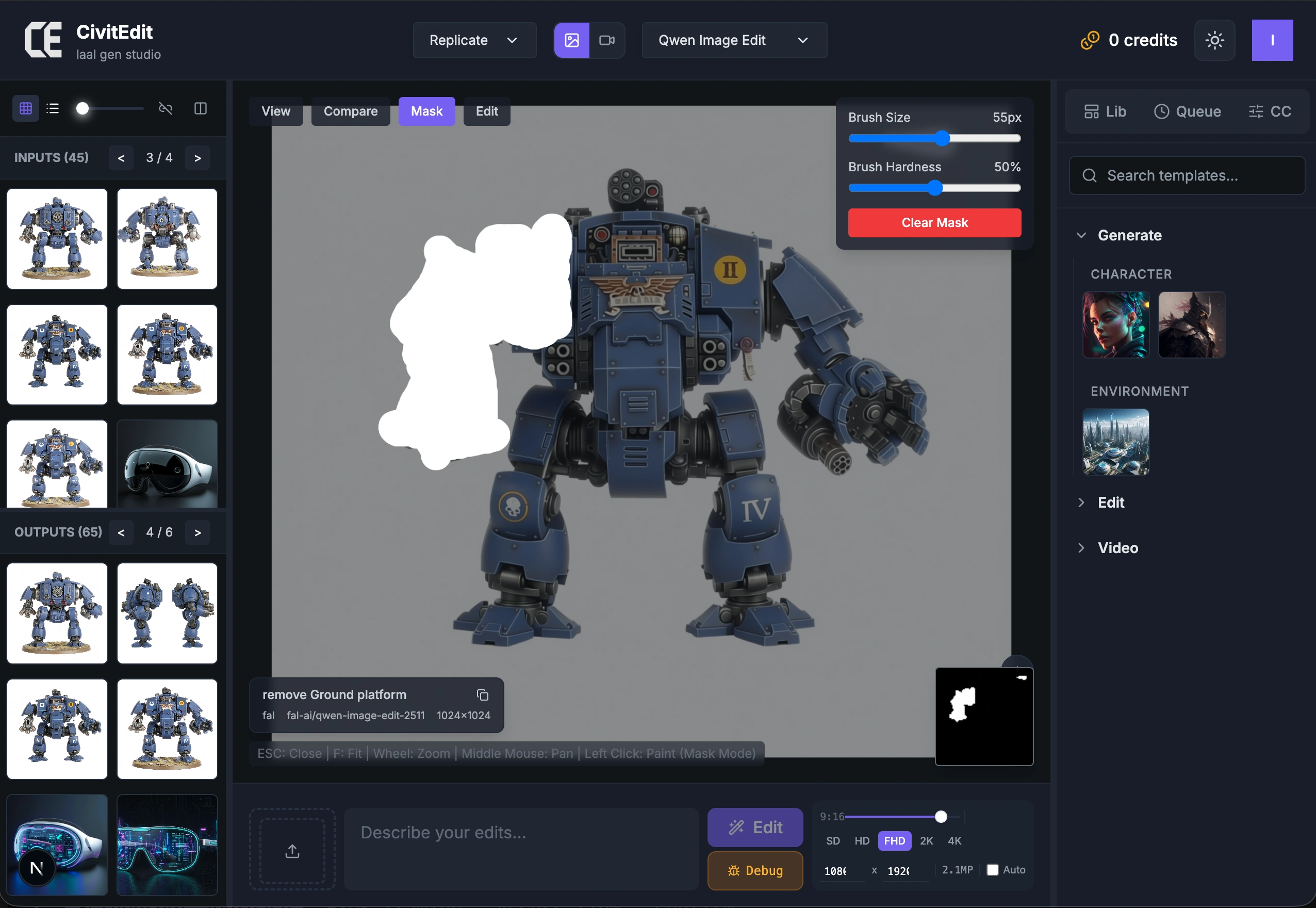
Precision Mask Painting & Inpainting
Brush masks directly onto images for surgical inpainting. Adjustable brush size, hardness, and softness — production-grade controls, not toy sliders.
- Freehand mask painting
- Adjustable brush parameters
- Inpaint & outpaint
- Multiple edit models
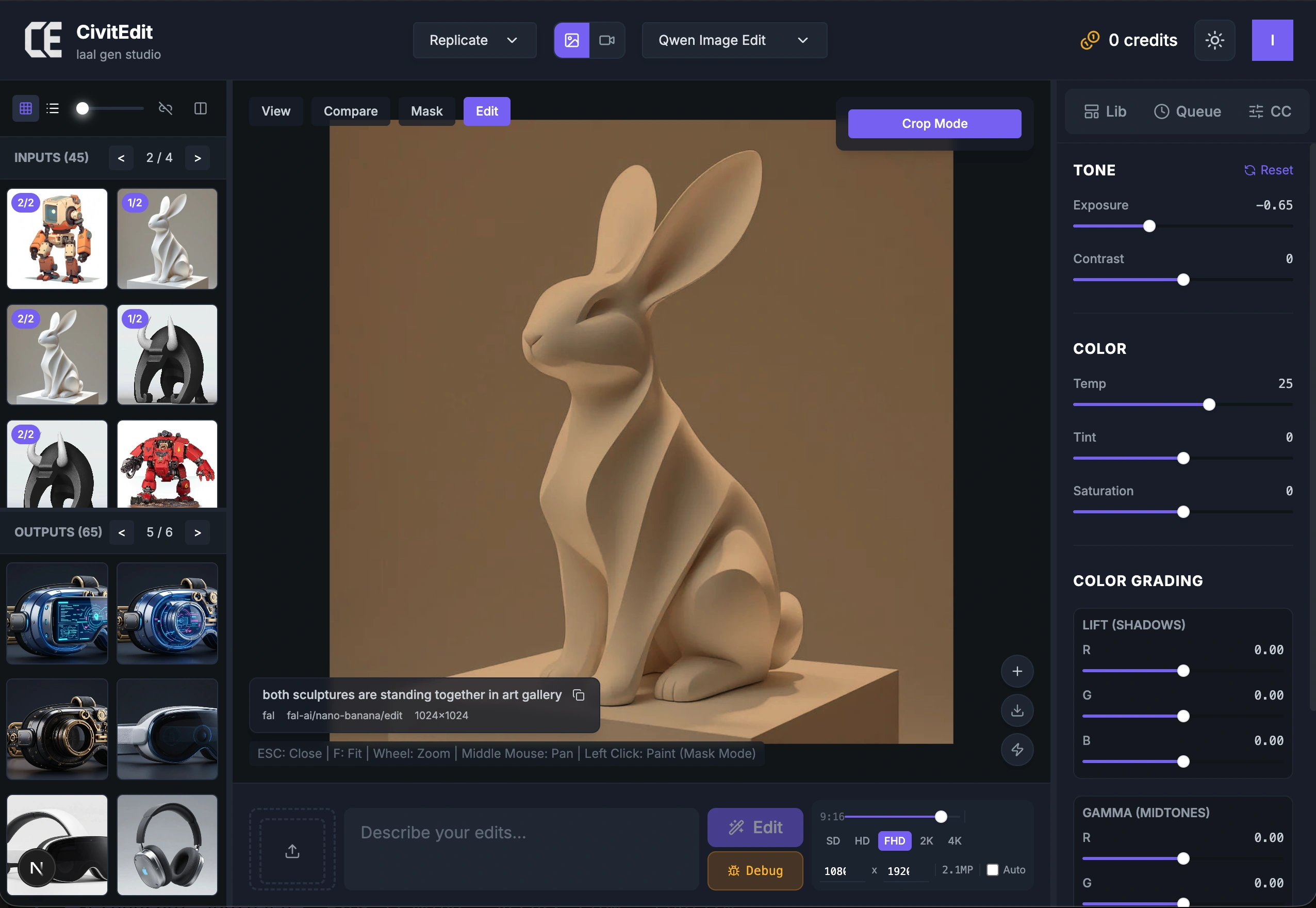
VFX-Grade Color Grading
Lift, Gamma, Gain per-channel RGB controls. Exposure, temperature, tint adjustments. The same color science used in film and television post-production.
- Lift/Gamma/Gain wheels
- Per-channel RGB
- Exposure & temperature
- Real-time preview
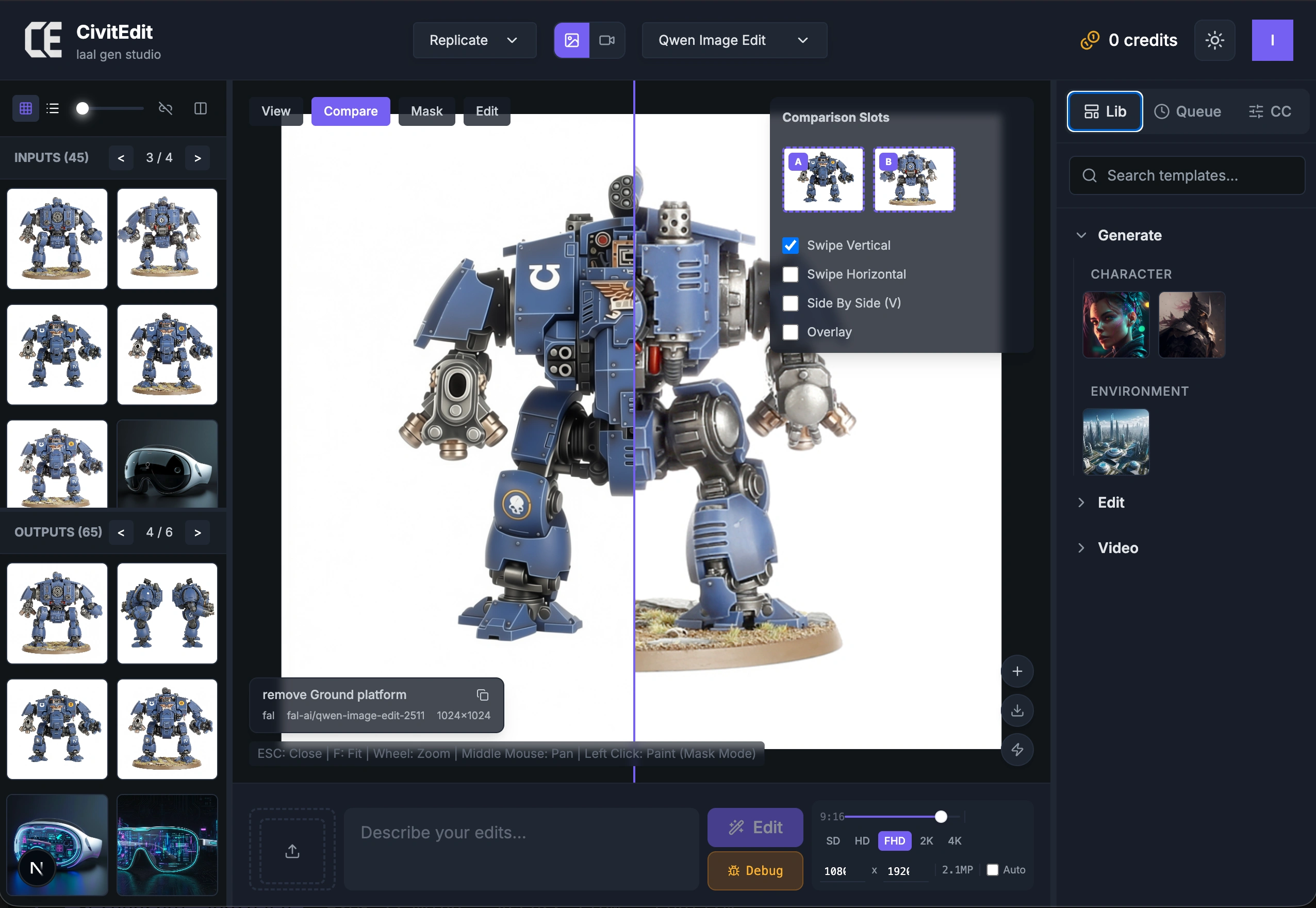
Comparison & Review Tools
Wipe between images, overlay them, or view side-by-side. Designed from VFX dailies review workflows — adapted for AI-generated content iteration.
- Vertical/horizontal wipe
- Side-by-side
- Overlay mode
- Drag & drop any image to canvas
Session Management & Chat Workflows
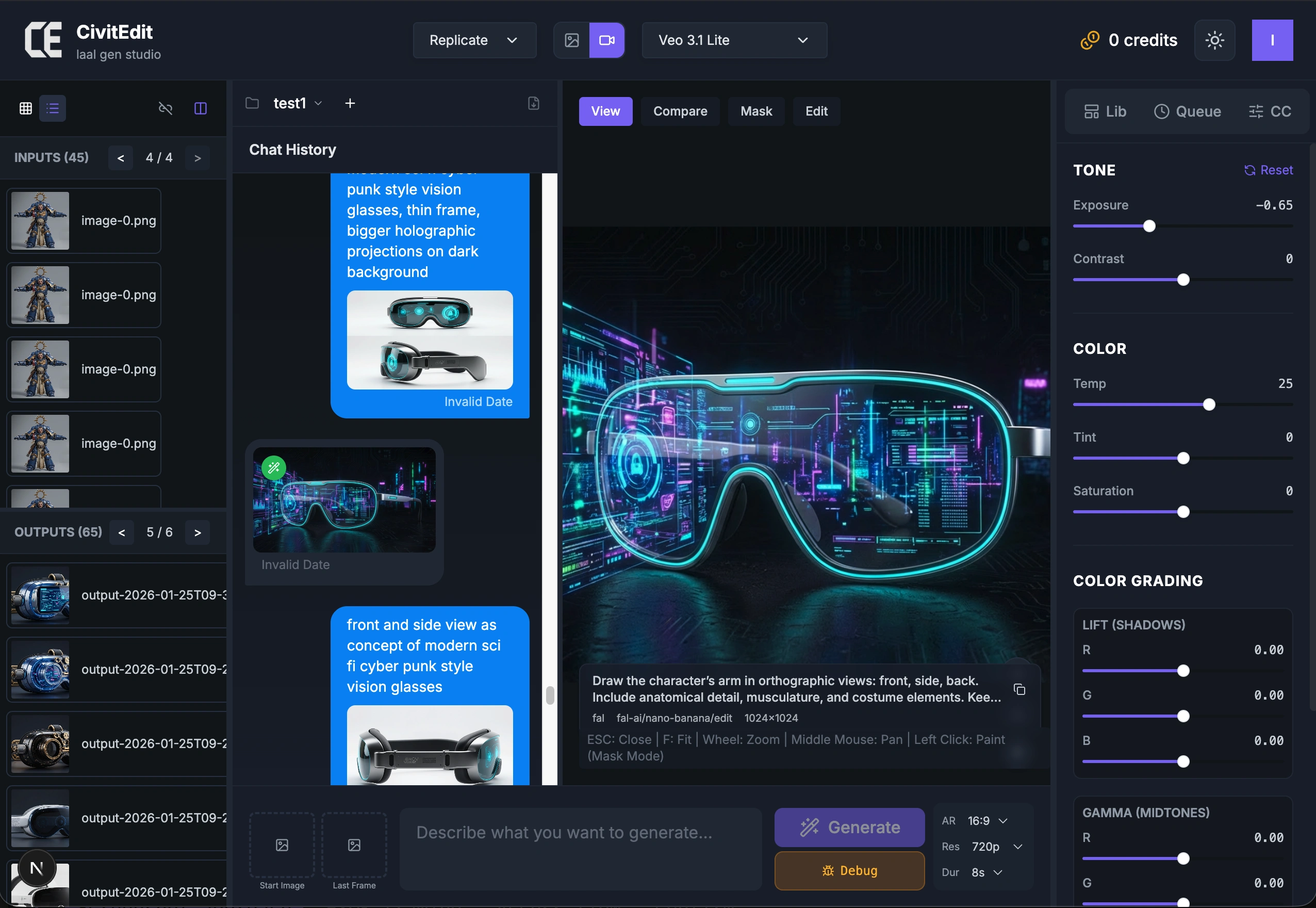
Organize work into named sessions (projects). Chat mode maintains full conversation context for multi-turn editing. Sequence and shot management for structured creative work.
- Named sessions
- Chat history with context
- Sequence/shot organization
- Quick mode vs chat mode
Gallery, Browsing & PDF Export
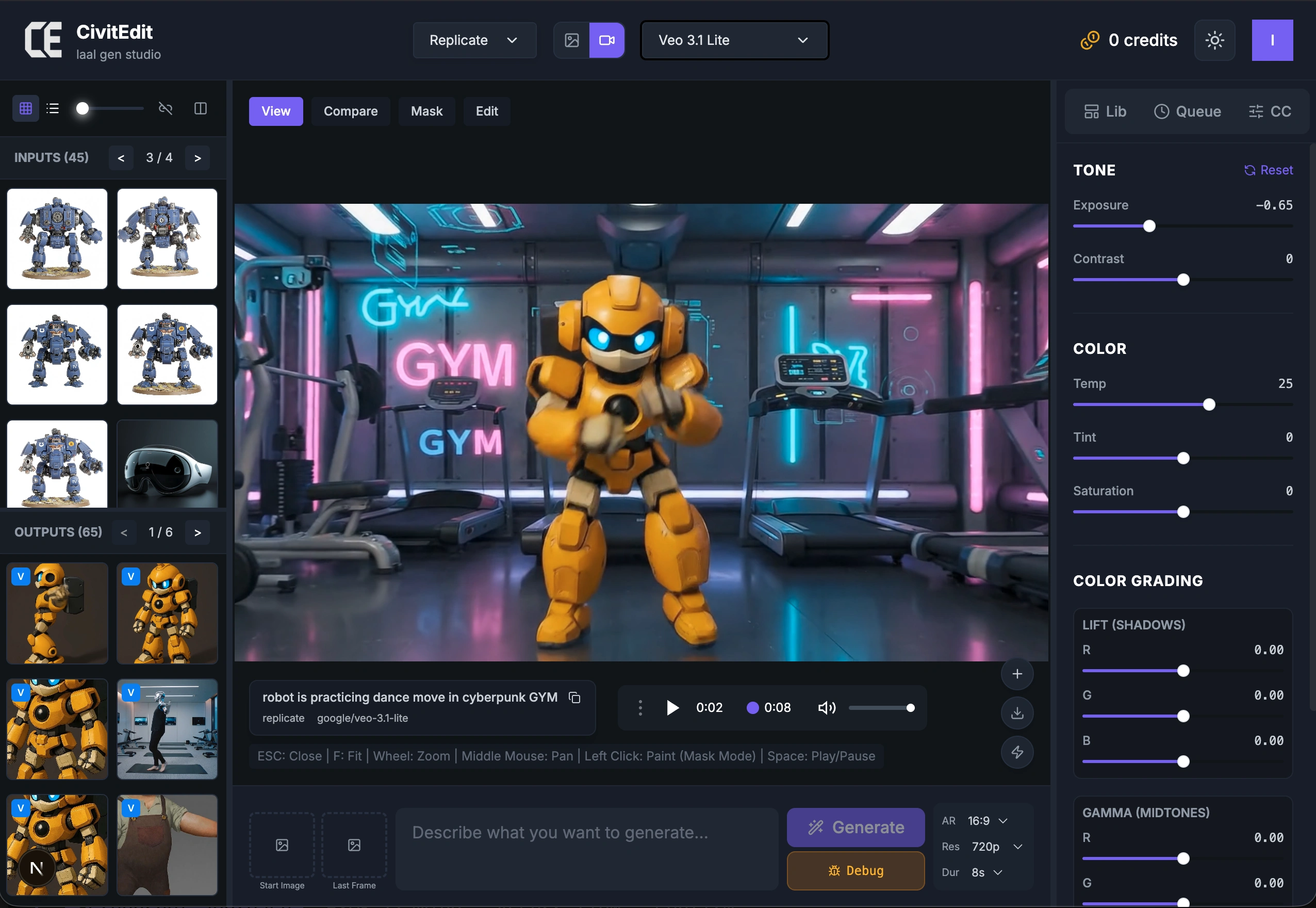
Grid and list views across all sessions. Export sessions to PDF as storyboards, character sheets, or shot breakdowns — ready to share with your team.
- Grid & list views
- Cross-session browsing
- PDF storyboard export
- Per-session cost tracking
Multi-Provider Engine with BYOK
Access FAL.ai and Replicate models from one interface. Use global keys or bring your own — your provider account, your credits, your pace.
- 15+ models from 2 providers
- Global keys (managed)
- BYOK (your own keys)
- Cost tracking per session